
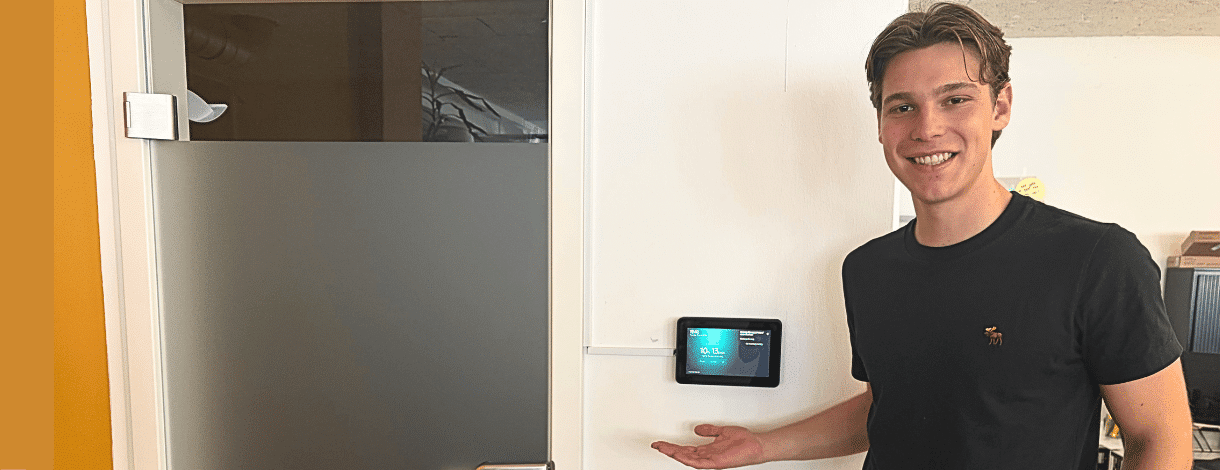
Book meeting rooms directly on the screen
As part of his IPA (Individual Practical Work), our apprentice Jann developed an in-house solution for booking and displaying the availability of our meeting rooms. The idea arose from a simple everyday situation: It’s often not immediately clear from outside a meeting room whether the room is available, when the next meeting starts, or whether a last-minute booking is possible.
The Initial Situation
At soxes, meeting rooms are managed via Microsoft 365. Anyone who wanted to use a room on the fly first had to check the calendar or risk walking into a room that was already booked.
The goal of the project was therefore to create an internal solution that:
- displays the current booking status right outside the room
- clearly displays upcoming meetings
- enables spontaneous bookings via the display
- prevents double bookings
The Solution
Jann developed a web application that runs on a display outside the meeting room and is connected to the existing room calendars in Microsoft 365. If a room is available, it can be booked directly via the display for a specific time. The booking is then automatically added to the calendar and is visible to all employees.
In addition, ongoing meetings can be extended or ended early. This ensures that the room’s status is continuously updated and remains transparent to everyone. The solution was implemented using the soxes design.
Technology and Implementation
Jann implemented the application using Angular. It not only displays a user interface but also validates and processes requests via its own backend. A display with a Raspberry Pi is all the hardware required. This eliminates ongoing licensing costs for external products. The one-time hardware costs remain manageable, while data and operations remain entirely in-house. The solution is also designed for scalability: Additional rooms can be integrated via Microsoft 365 without requiring fundamental changes to the application.
Project Approach
The IPA spans ten workdays and follows a clear process. Jann worked according to the IPERKA method: Inform, Plan, Decide, Implement, Monitor, and Evaluate. This included, among other things , requirements analysis , technical planning, mockups, use case diagrams, implementation, testing, and detailed documentation. Progress, effort, and insights were recorded every day.
AI as a Support Tool
During implementation, Jann used AI specifically “only” as a tool—for example, for planning, research, decision-making, or smaller code components such as styling and effects. He deliberately developed the core logic himself. Precisely because this was his thesis project, it was important to him to understand the solution from a technical perspective, implement it independently, and be able to explain it clearly.
Conclusion
Jann’s IPA demonstrates what a good education at soxes entails: taking responsibility, planning thoroughly, utilizing modern technologies, and developing a solution that delivers real value. What began as an idea for everyday internal operations evolved into a concrete and functional digital product that makes meeting rooms more visible, bookings easier, and processes clearer.